Apps ·
Global Quran app for iPhone, iPad and Mac
Global Quran: Read & Listen is the free Quran app for iPhone, iPad and Mac from GlobalQuran.com, which has been putting the Quran online since 2006. Read the Arabic in the Madani mushaf style with tajweed colours, put a translation beside it, listen to a reciter verse by verse, and keep surahs on your device for when there is no signal. There are no ads and nothing to buy.
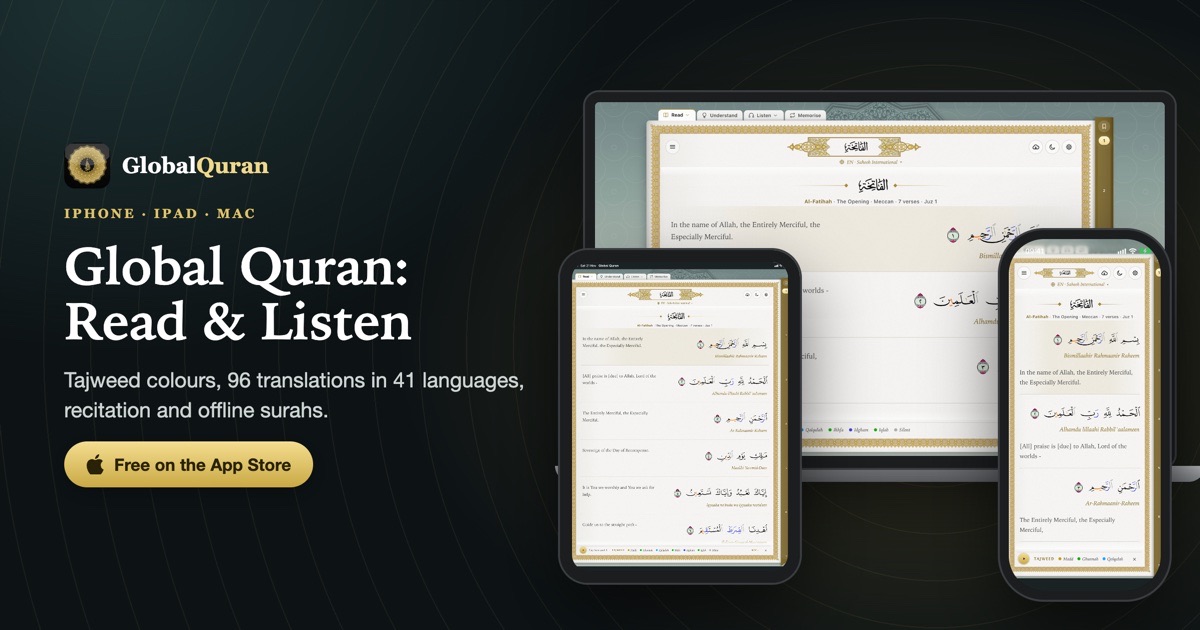
Download on the App Store Or read in your browser
Price: free, no ads, no in-app purchases.
Works on: iPhone and iPad with iOS 15 or later, and Mac (search "Global Quran" in the Mac App Store).
Account: not needed. Sign in only if you want your place and saved verses on every device.
Four ways to read the Quran
The tabs at the top of the book change how the page works:
- Read: the Arabic verse by verse with the translation under it, or as a flowing mushaf page.
- Understand: the translation first, for when you want the meaning.
- Listen: one verse at a time, large, while the recitation plays and the verse is highlighted.
- Memorise: each verse played three times before the next, with the Arabic on its own. See how to memorise the Quran with Global Quran.
Tajweed colours and the Madani mushaf
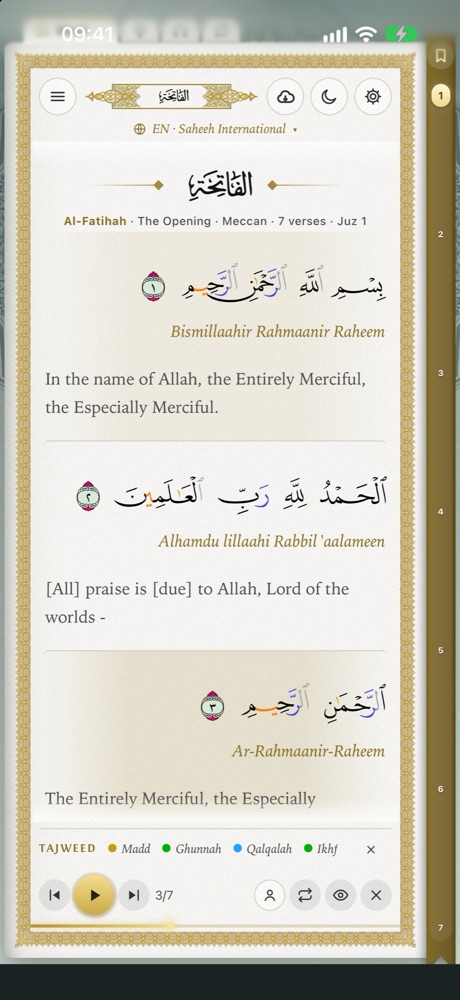
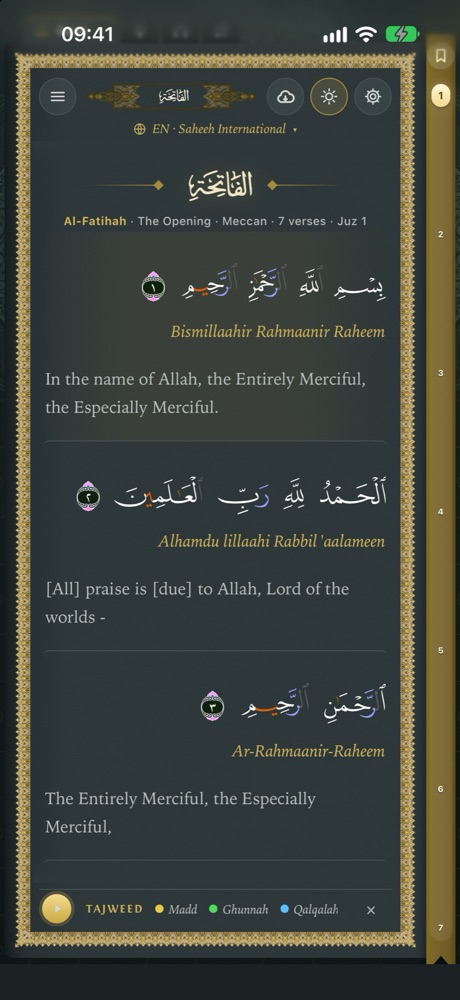
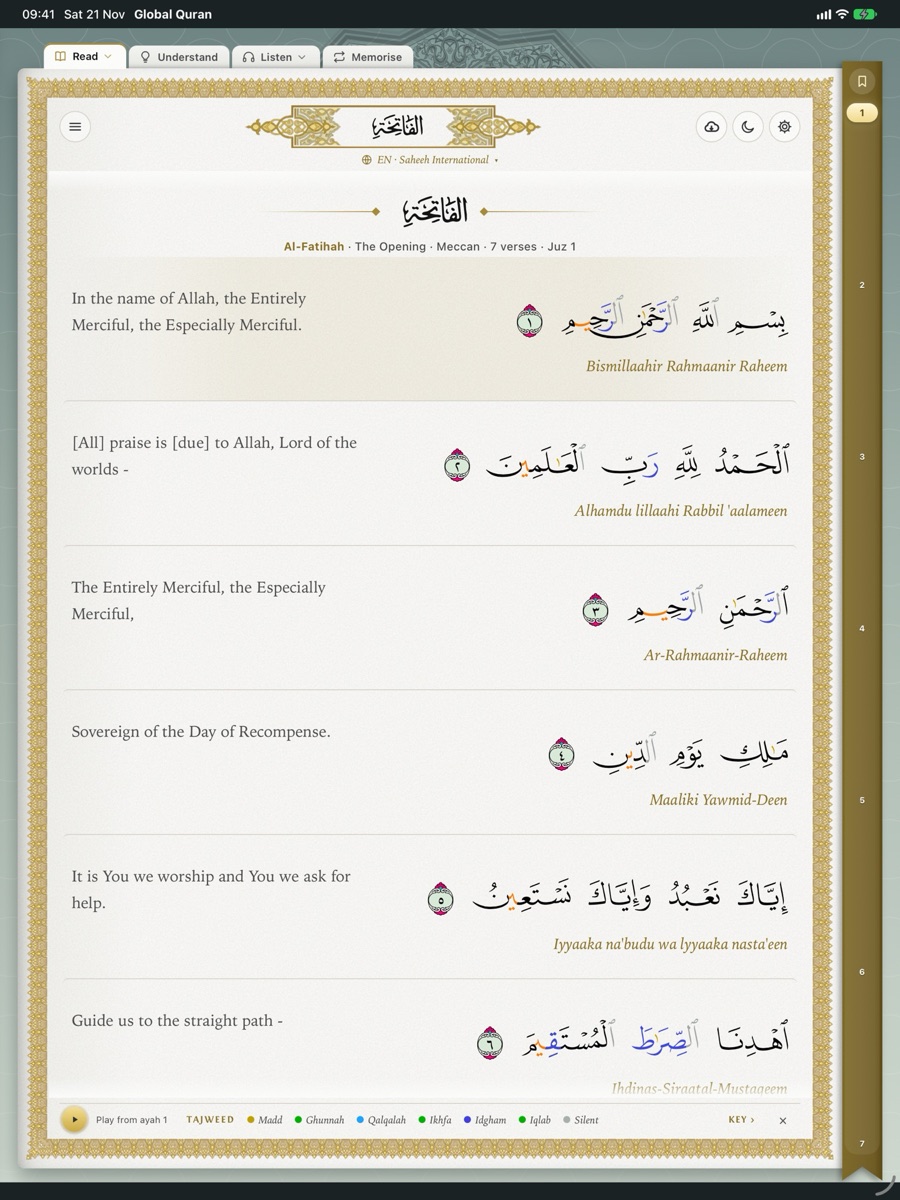
The Arabic is drawn in the lettering of the Madani mushaf, with the tajweed rules in colour: madd (lengthening), ghunnah, qalqalah, ikhfa, idgham, iqlab and silent letters. A key explains each colour, and you can switch the colours off or choose Amiri Quran, KFC Naskh or Me Quran instead. Read more in the Quran with tajweed colours.
96 translations in 41 languages
English (Saheeh International, Yusuf Ali, Pickthall, Muhammad Asad and others), Urdu, Indonesian, Turkish, Bengali, French, Persian and many more. Show one translation or several side by side, add transliteration under the Arabic, and tap a word to see its meaning with word by word. The app's menus come in many languages too: see translations and languages.
Listen to famous reciters
Choose your reciter (Mishary Alafasy, Abdul Basit, Husary, Minshawi, Sudais and many others), add a translation voice after each verse, slow it down or speed it up, and repeat a verse or a whole surah. The listening guide has the details.
Languages, translations and recitations
- 96 translations in 41 languages: English, Urdu, Indonesian, Turkish, Bengali, Persian, Russian, French, German, Spanish, Malay, Hindi, Chinese, Japanese, Korean, Swahili, Hausa, Somali, Bosnian, Albanian, Tamil, Malayalam, Sindhi, Uzbek, Tajik, Kurdish, Divehi and more.
- Menus in 29 languages, including Arabic, Urdu, Bengali, Indonesian, Turkish, Persian, Malay, Hindi, French and German. Picking a language also picks a translation in it.
- 47 verse-by-verse Arabic recitations, by reciters such as Mishary Alafasy, Abdul Basit, Mahmoud Khalil al-Husary (including his slow teaching recitation), Muhammad Siddiq al-Minshawi, Abdurrahmaan As-Sudais, Maher Al Muaiqly, Ahmed al-Ajamy and Hudhaify.
- Translation voices that read the meaning after each verse, in English, Urdu, French, Persian, Russian, Chinese, Portuguese, Vietnamese, Somali, Tamil, Tagalog, Azerbaijani and Assamese.
- Transliteration, and word by word meanings.
Read and listen offline
Save any of the 114 surahs, or the whole Quran, with the text and, if you like, the recitation. The offline library shows how much space it takes and lets you remove surahs any time. Your downloads are kept in the app, so they are not cleared like a website's data can be. See reading the Quran offline.
On the Mac, with your keyboard
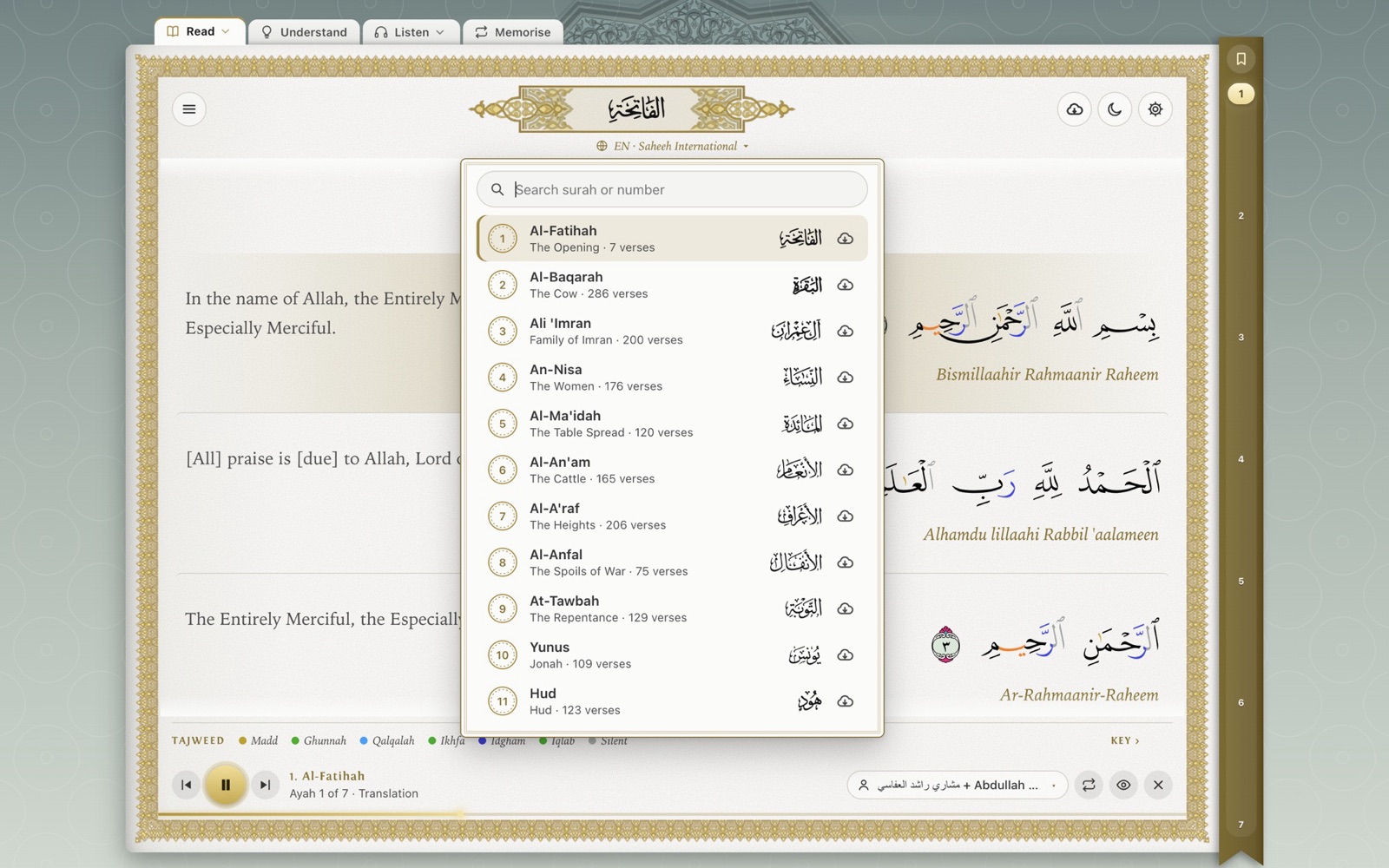
The same app runs on the Mac in its own window. Arrow keys move between verses, Space plays and pauses, G opens the surah picker and ? shows every shortcut. The full list is in keyboard shortcuts.
Your place on every device (optional)
Save verses with one tap. If you sign in with Google, Apple or email, your saved verses, the place where you stopped and your settings follow you to the website, the iPhone, the iPad and the Mac. You never have to sign in to read, and you can delete your account inside the app. More in saved verses and sync.
In your car with CarPlay
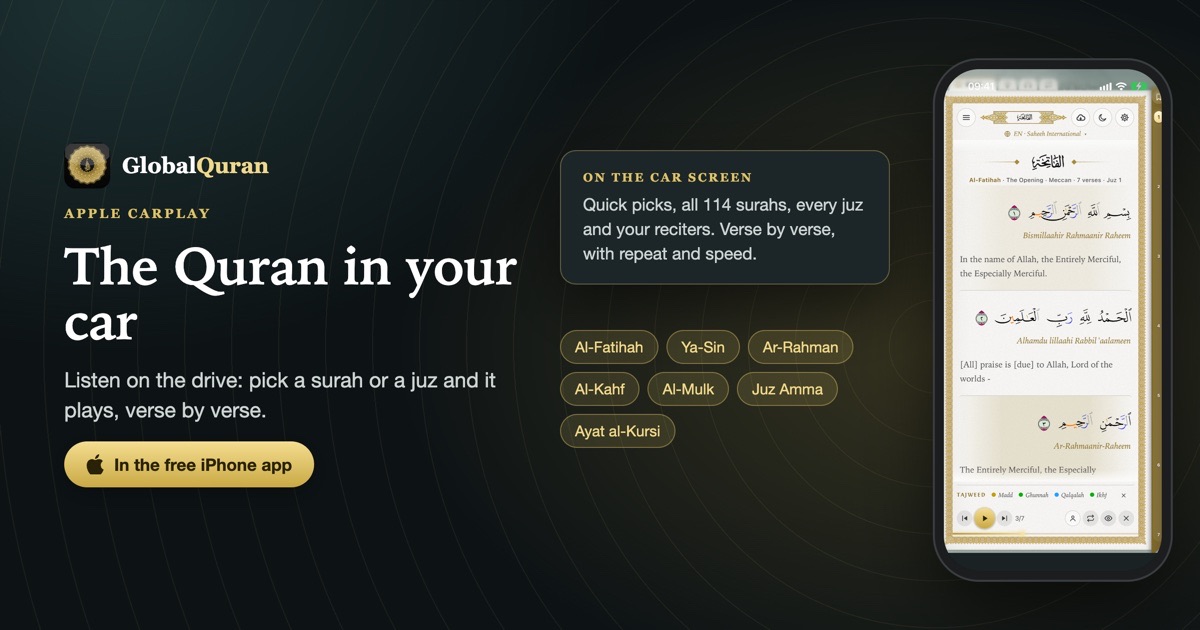
Connect your iPhone to a car with Apple CarPlay and the Quran is on the car's screen: quick picks, all 114 surahs, every juz and your reciters, verse by verse with repeat and speed. See the Quran in your car.
Private by design
No ads and no tracking across other apps or sites. Anonymous usage statistics are sent only if you allow them.
More Global Quran apps
- Global Quran for Android phones and tablets
- Global Quran Watch: recitation on your wrist
- Global Quran TV for Apple TV
- Global Quran Vision for Apple Vision Pro
- Global Quran VR for Meta Quest