Guides ·
Read the Quran with tajweed colours
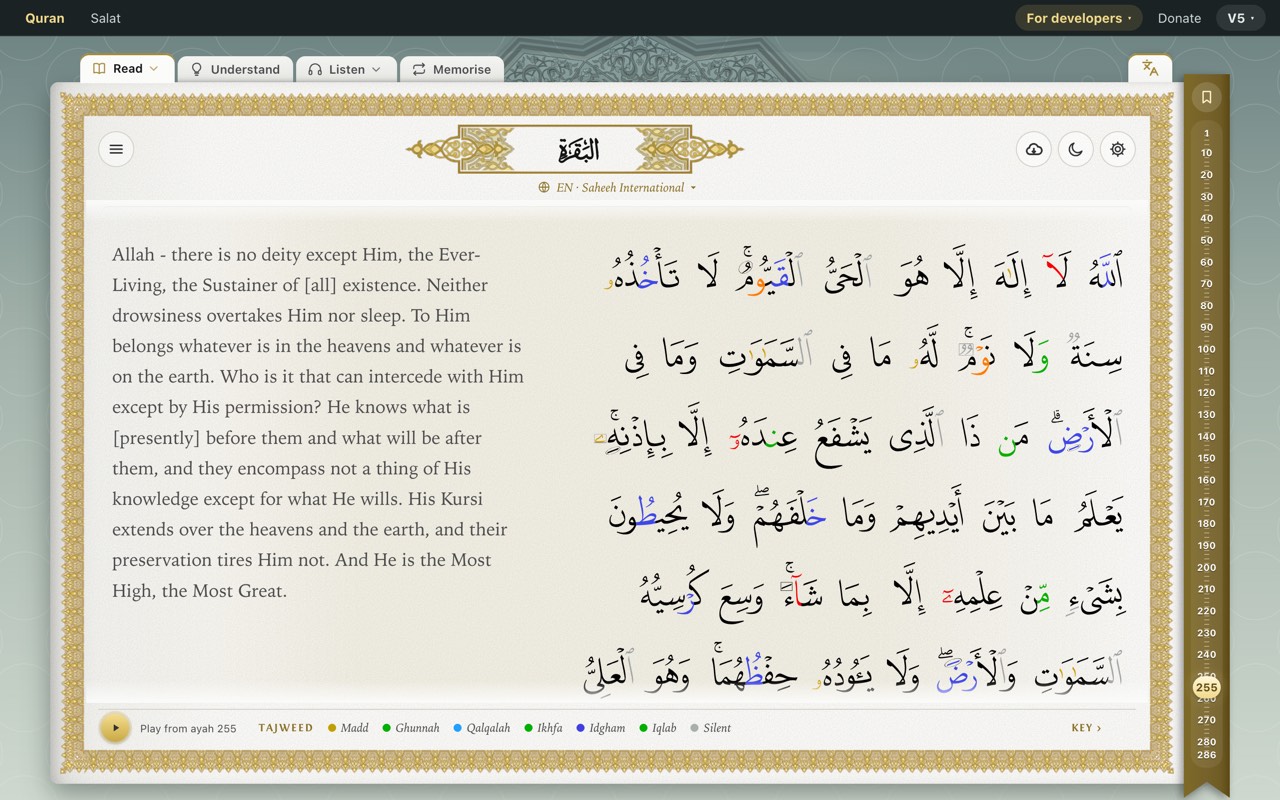
Tajweed is the set of rules for reciting the Quran as it was revealed: how long to stretch a vowel, when to make a nasal sound, when a letter merges into the next one. A colour-coded Quran marks these places so you can see the rule before you say the word. On Global Quran the tajweed colours are on from the start, on every surah, free.
What the colours mean
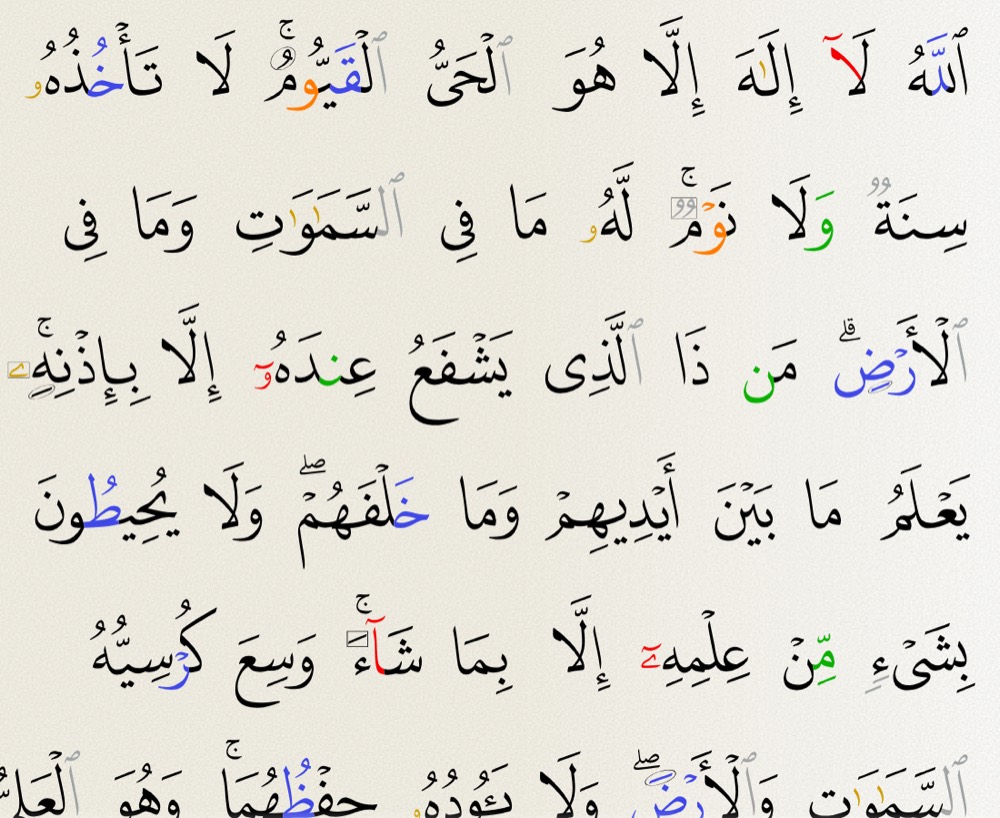
A key at the bottom of every page names the colours; tap Key for more about each rule.

- Madd (gold, orange, red): lengthening. A vowel held longer than usual. Gold is the natural madd of two counts; orange is a madd that may be stretched; red is a madd that must be stretched, longer than the others.
- Ghunnah (green): nasal sound. A sound from the nose held for about two counts, as on a doubled ن or م.
- Ikhfa (green): hiding. A noon sakinah or tanween before one of fifteen letters is said lightly, half hidden, with ghunnah.
- Iqlab (green): changing. A noon sakinah or tanween before ب turns into a م sound.
- Idgham (blue): merging. A letter joins into the letter after it, so the two are said as one.
- Qalqalah (light blue): echo. The letters ق ط ب ج د with a sukoon are said with a small bounce.
- Silent (grey). Letters that are written but not pronounced in that place.
The colours tell you where a rule applies; learning how to say it is best done by ear. Listen to a reciter while you read (see how to listen to the Quran online) and, if you can, recite to a teacher.
The Madani mushaf, on screen
The default Arabic font draws every page as it is in the Madani mushaf printed in Madinah, with the colours built into the letters. Switch to the Read choice in the Read tab to see the Arabic flowing like a printed page, or keep it verse by verse with the translation beside it.
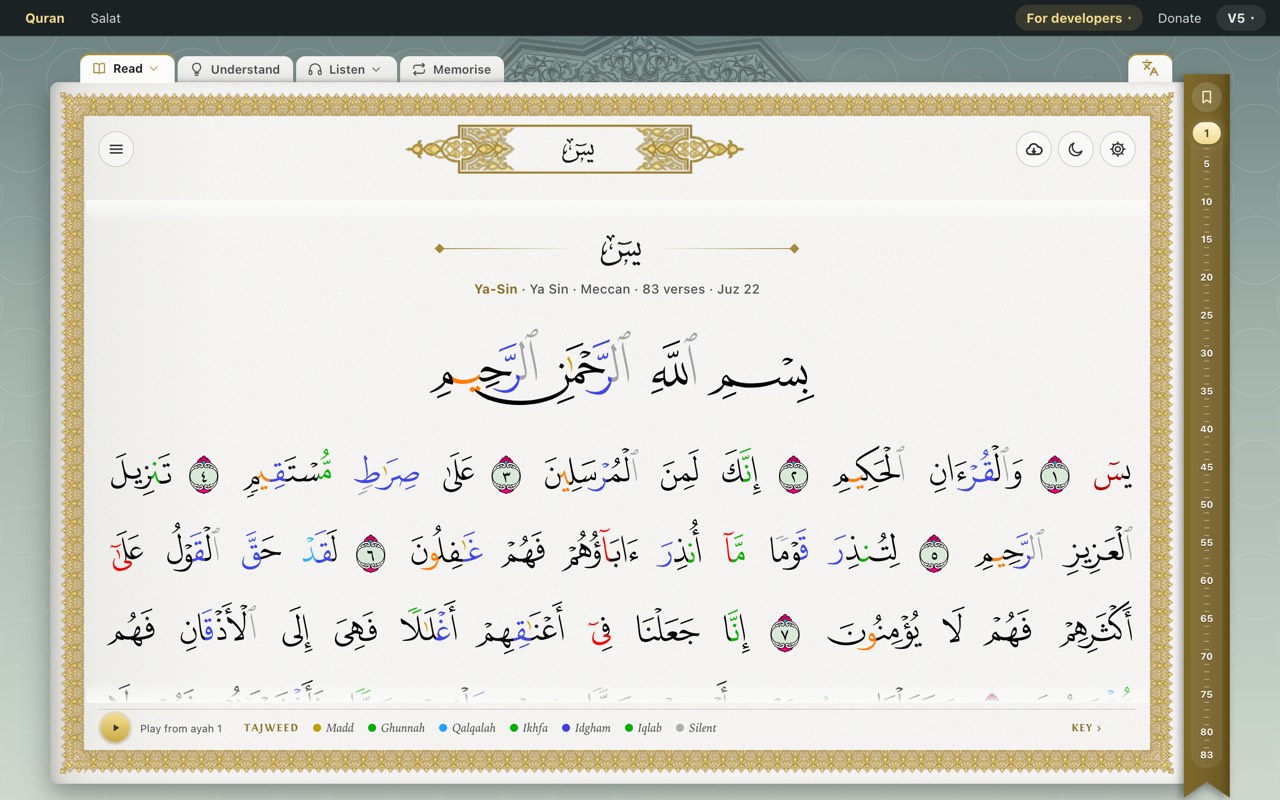
Turn the colours on or off, and choose a font
- The Tajweed switch is in the options (the gear button), or press T.
- In Settings, the Arabic font can be Mushaf, Amiri Quran, KFC Naskh or Me Quran. The colours work on the first three; on Me Quran they switch off by themselves and come back when you change font.
- The colours stay clear in night mode too.
Practise tajweed with the recitation
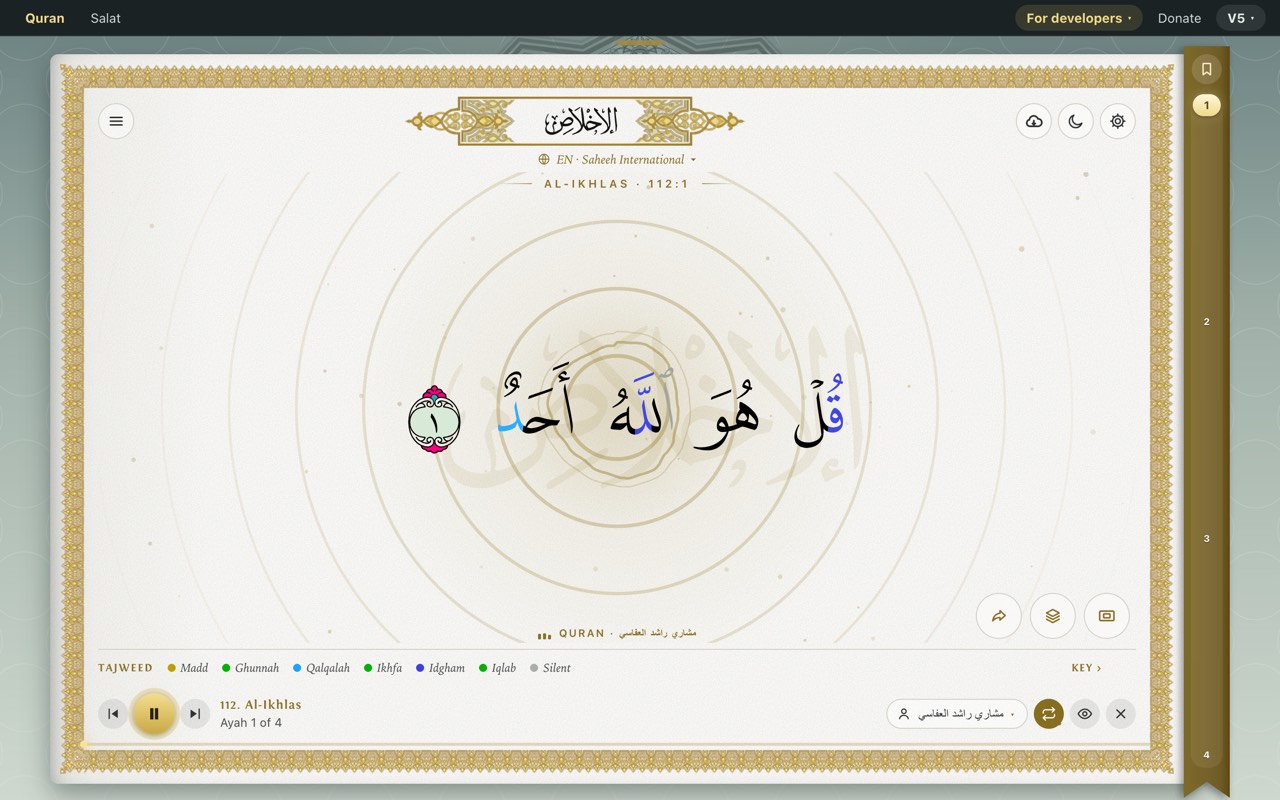
- Open a short surah, for example Al-Fatihah or Al-Ikhlas.
- Choose a slow, clear reciter such as Husary (Muallim), and the speed 0.75×.
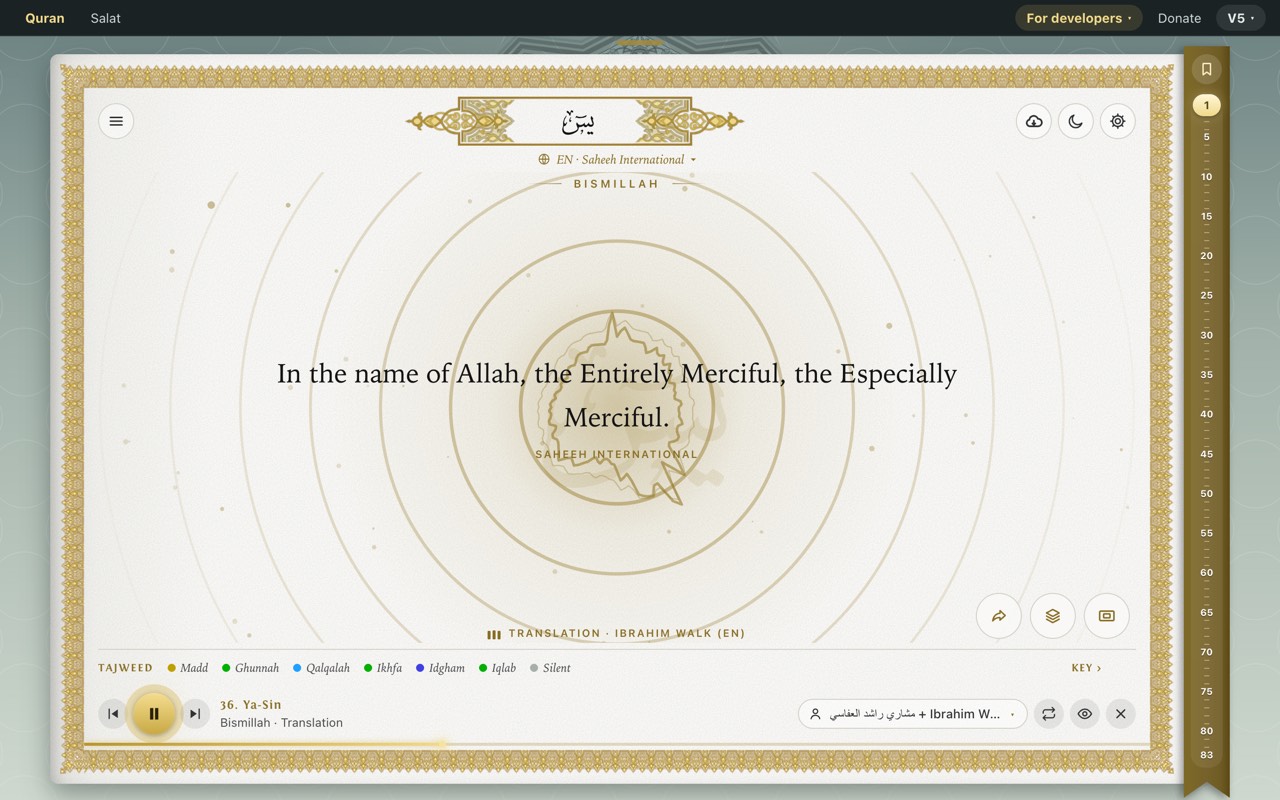
- Tap a verse, press Play from here and set repeat to this ayah. Watch the coloured letters while you listen, then recite with the reciter.
The same steps work for memorising: see how to memorise the Quran with Global Quran.
Open the tajweed Quran now, or start with how to read the Quran online.