Apps ·
Global Quran Vision: the Quran on Apple Vision Pro
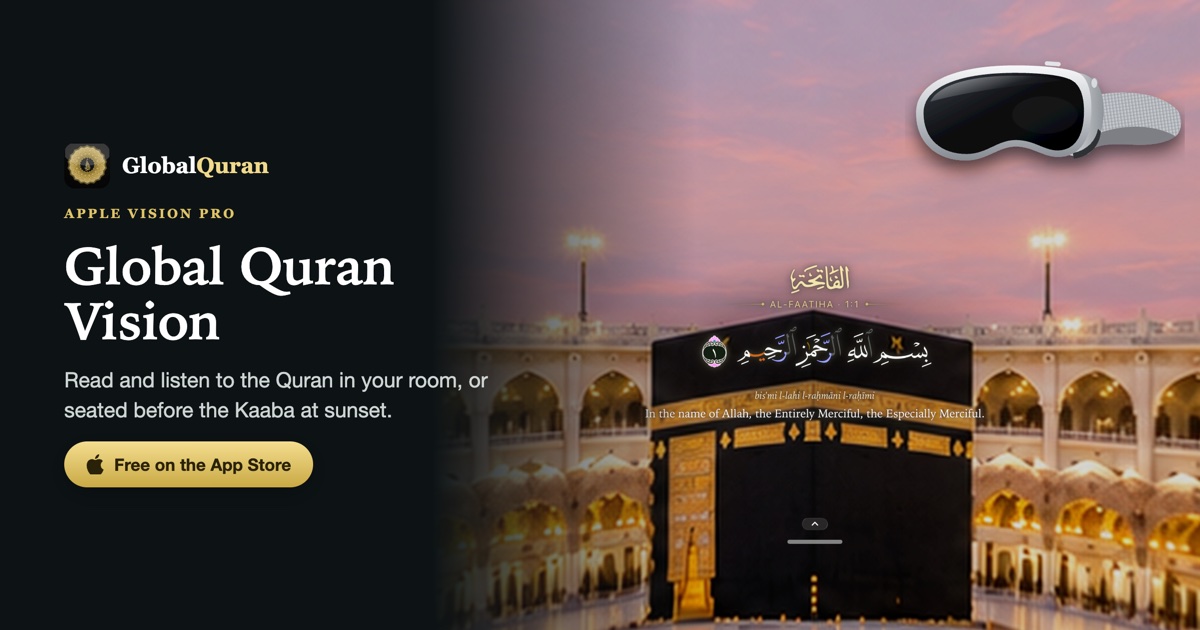
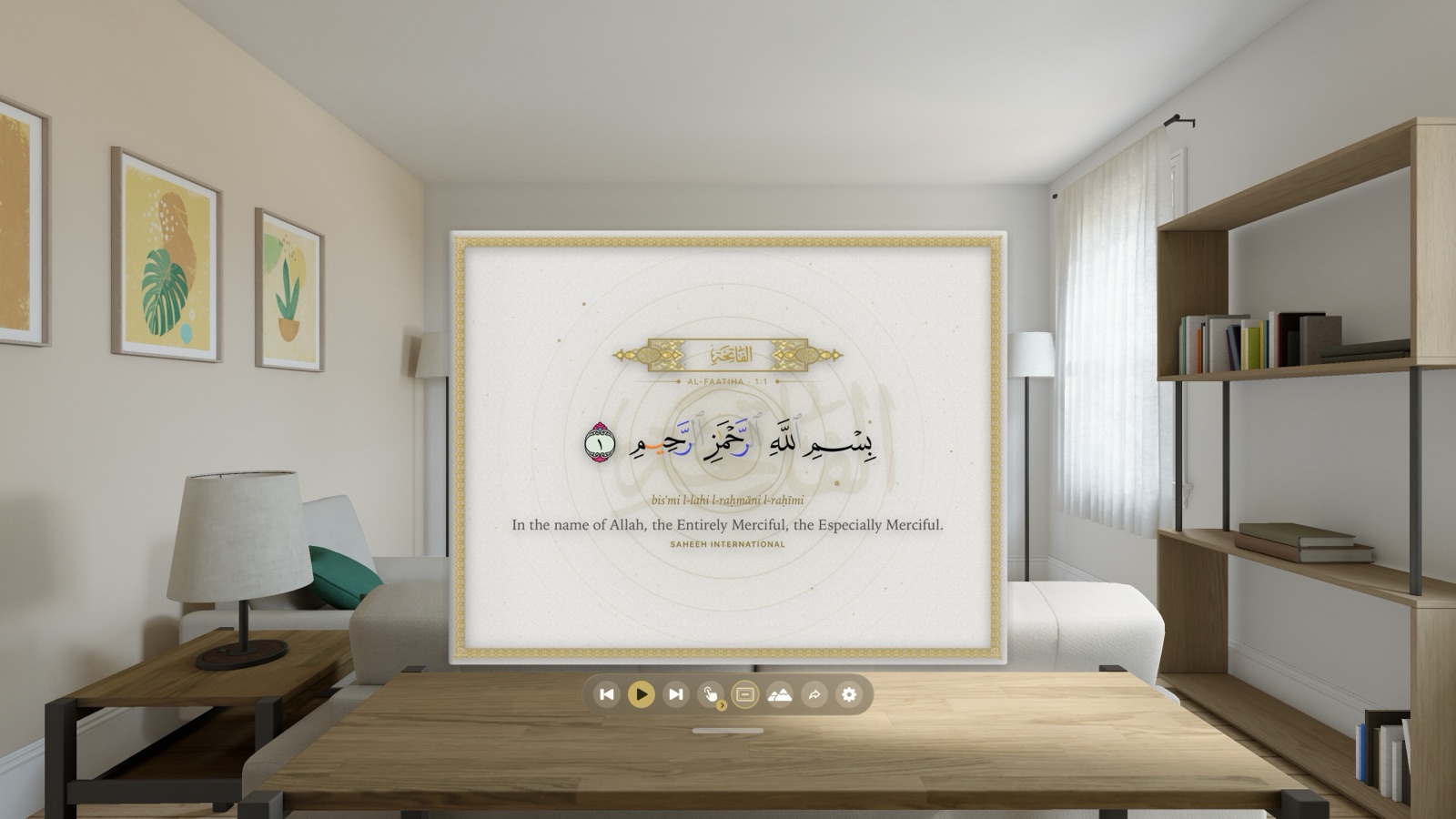
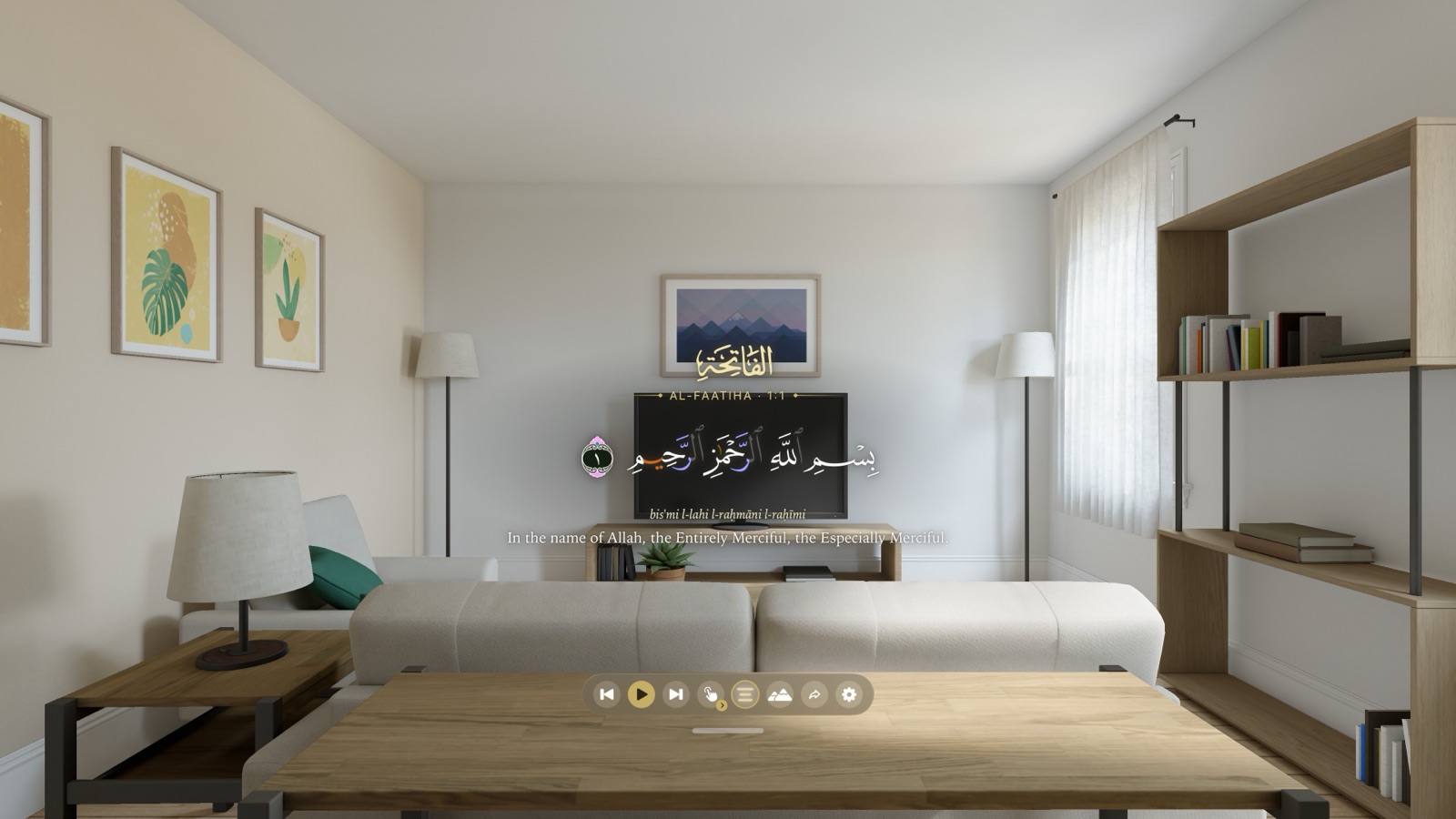
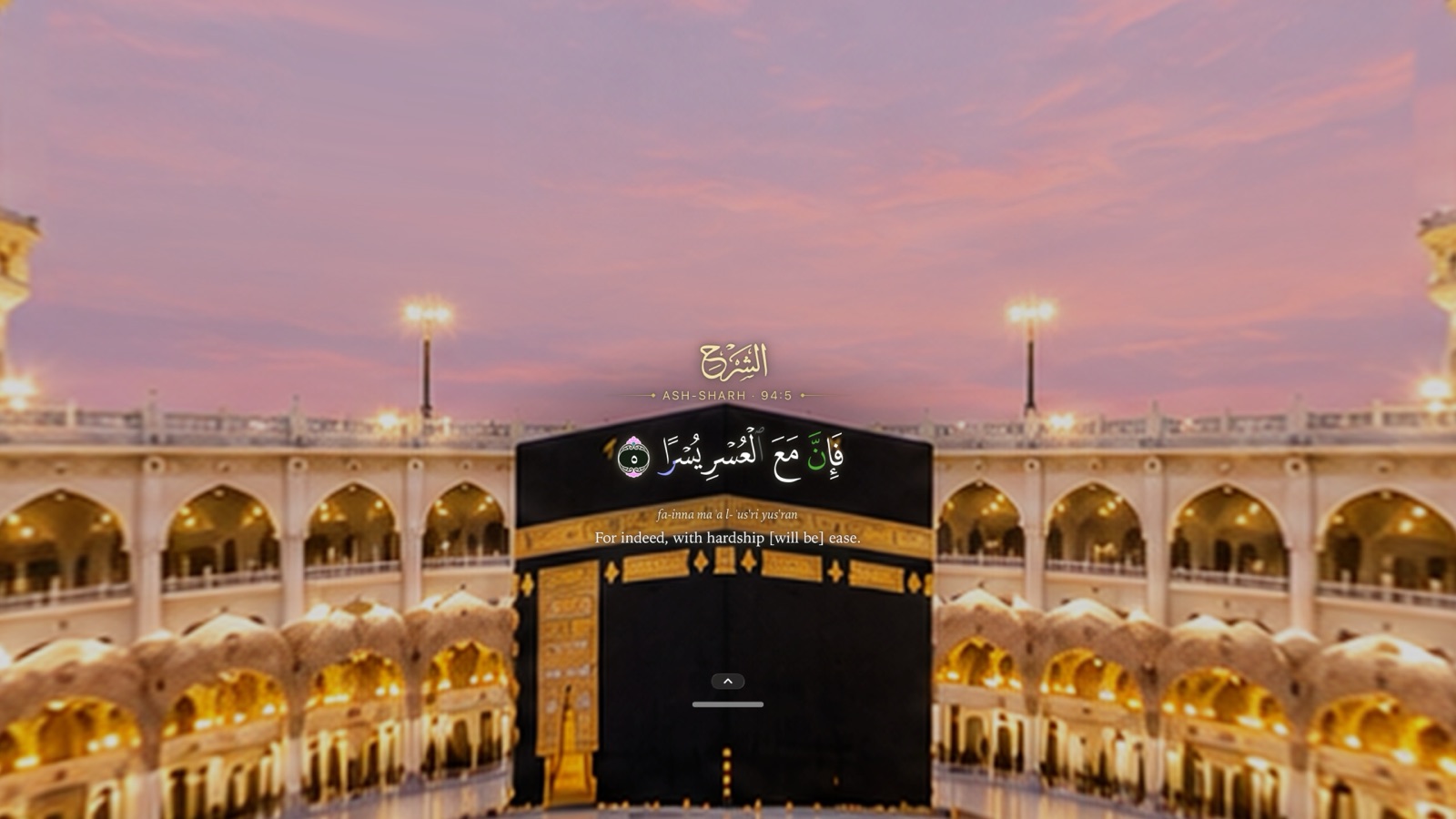
Global Quran Vision brings the Quran into the space around you on Apple Vision Pro. The verse hangs in the air in your own room, or sits on a book page with a golden frame, while the reciter recites it. Turn on Makkah and you are seated in a 360° view of the Kaaba and the Haram at sunset, with the verse in front of you.
Price: free. Optional contributions support the project and unlock nothing.
Works on: Apple Vision Pro with visionOS 26 or later.
Privacy: no account, no data collected, no tracking.
Two ways to see the verse
- Floating words: the Arabic, the transliteration and the translation float in your room with nothing behind them. A soft glow keeps them easy to read against any wall.
- Book card: the page of the Global Quran reader, with its paper, golden frame and the surah's name in calligraphy, in a day or night look. Resize the window and the page scales with it.
Sit before the Kaaba
One switch in Settings, Display, turns your room into Makkah: a seated 360° view of the Kaaba and Masjid al-Haram at dusk, with clouds drifting and palms moving, and an optional quiet breeze. The verse and the recitation carry on in front of you.
Read
- The Madani mushaf lettering with tajweed colours, or Amiri Quran, sharp at any size.
- Transliteration and translations in dozens of languages.
- Tap the verse to play, flick your hand or use the strip to move to the next one.
Listen
Choose from many reciters, and add a translation voice after each verse if you want to hear the meaning too. The app moves on from verse to verse by itself, so you can sit back and listen to a whole surah.
Languages, translations and recitations
- Translations from Global Quran's library of 96 translations in 41 languages, such as Saheeh International and Yusuf Ali in English, Jalandhry in Urdu, Diyanet in Turkish and Hamidullah in French, with optional transliteration.
- Recitation from Global Quran's verse-by-verse recitations, by reciters such as Mishary Alafasy, Abdul Basit, Mahmoud Khalil al-Husary (including his slow teaching recitation), Muhammad Siddiq al-Minshawi, Abdurrahmaan As-Sudais, Maher Al Muaiqly, Ahmed al-Ajamy and Hudhaify.
- Translation voices after each verse, in English, Urdu, French, Persian, Russian, Chinese, Portuguese, Vietnamese, Somali, Tamil, Tagalog, Azerbaijani and Assamese.
Offline
Settings, Offline saves the text, the fonts, your translation and the recitations you chose, for one surah or the whole Quran. You are asked first and shown how much space it takes; you can pause and carry on later, see what is saved and remove it.
Share a verse
The share button sends the verse as a globalquran.com link that opens on the same verse, with the same translation and voices, on any phone or computer.
Also in mixed reality on Meta Quest
Have a Quest instead? Global Quran VR brings the same floating verses and book card to Meta Quest. And on a phone or computer, start with how to read the Quran online.