Guides ·
How to memorise the Quran with Global Quran (hifz)
Most people who become hafiz of the Quran do it the same way: hear a verse from a good reciter, repeat it until it stays, join it to the verses before it, and revise every day. Global Quran does not replace a teacher, but it gives you the listening and repeating part for free, on any phone or computer. This guide shows how to use it for hifz.
The Memorise tab
- Open the surah you are learning, for example Al-Ikhlas or Al-Mulk.
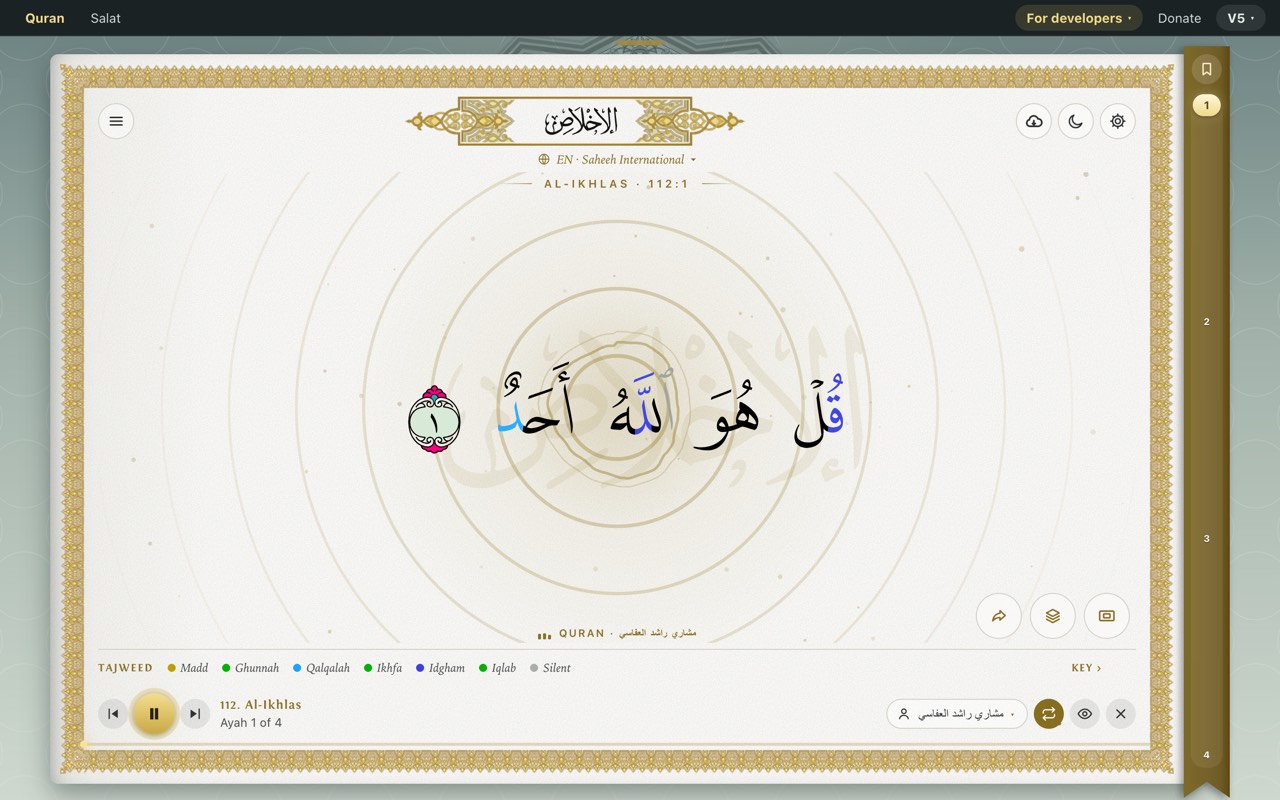
- Tap Memorise on the book.
- The recitation starts at once and plays each verse three times before going on to the next. The Arabic is shown alone, with the tajweed colours, so you see exactly what you hear.
Press the repeat button to go back to normal playback.
Repeat one verse until you know it
Stuck on a hard verse? Tap it and press Play from here, then set the repeat button to Repeat: this ayah (or press R). It plays that verse again and again until you change it. When you have it, set the repeat to all to go round the whole surah: a simple way to revise.
Choose a reciter for learning
- Mahmoud Khalil al-Husary (Muallim) is a teaching recitation: slow and clear, made to be repeated after.
- Husary, Minshawi and Mishary Alafasy recite at a steady pace that many teachers recommend for hifz.
- Pick one reciter and keep him. The memory holds on to the tune as well as the words.
Slow any reciter down with the speed control (0.75×), and speed up to 1.25× or 1.5× for revision.
Help while learning
- Transliteration under each verse helps beginners and children who cannot read Arabic yet. Turn it off when you can, so you learn from the Arabic.
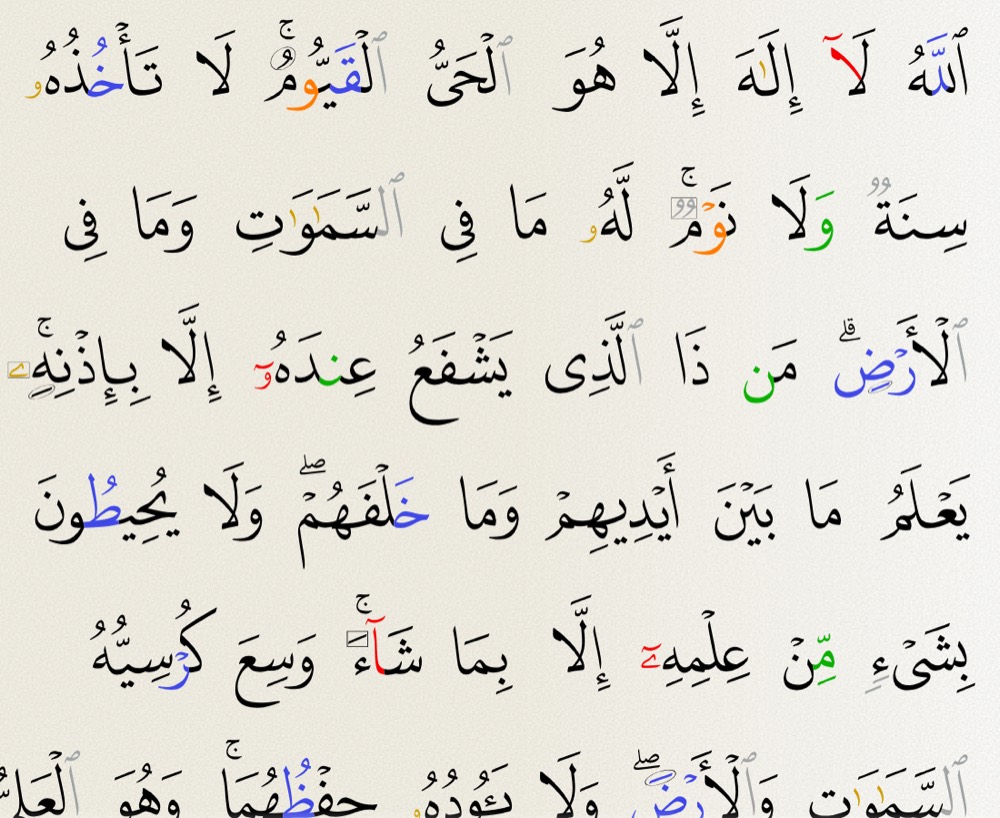
- Tajweed colours show where to stretch, where to make a nasal sound and where a letter is silent. See the Quran with tajweed colours.
- Word by word (in Settings) shows the meaning of each word when you tap it. Knowing what a verse says makes it much easier to keep.
- Save the verses you are working on. "Play saved ayahs" plays your saved verses one after another: your own revision list.
- Night mode and the screen staying on in Listen help for learning before Fajr or late at night.
A simple daily routine
- New lesson. Listen to the new verses in Memorise until you can say each one with the reciter.
- Join. Play from the start of today's lesson with repeat off, and recite along.
- Recent revision. Play the last few days' verses once (repeat all on a short surah, or your saved list).
- Old revision. Listen to one older part every day, so nothing is forgotten.
- Recite to someone. A teacher, a parent or a friend who can follow along in the mushaf. Nothing replaces this step.
Learn anywhere, even without internet
Keep the surahs you are memorising on your device (the cloud button next to the surah name, "Read and listen") and you can repeat them on a journey or with no signal. The iPhone and iPad app and the Android app are free; the Apple Watch app plays recitations from your wrist.
وَلَقَدْ يَسَّرْنَا الْقُرْآنَ لِلذِّكْرِ فَهَلْ مِن مُّدَّكِرٍ
"And We have certainly made the Qur'an easy for remembrance, so is there any who will remember?" (Surah Al-Qamar, 54:17, Saheeh International)
Open Global Quran and press Memorise, or read how to listen to the Quran online.