Guides ·
How to read the Quran online with translation
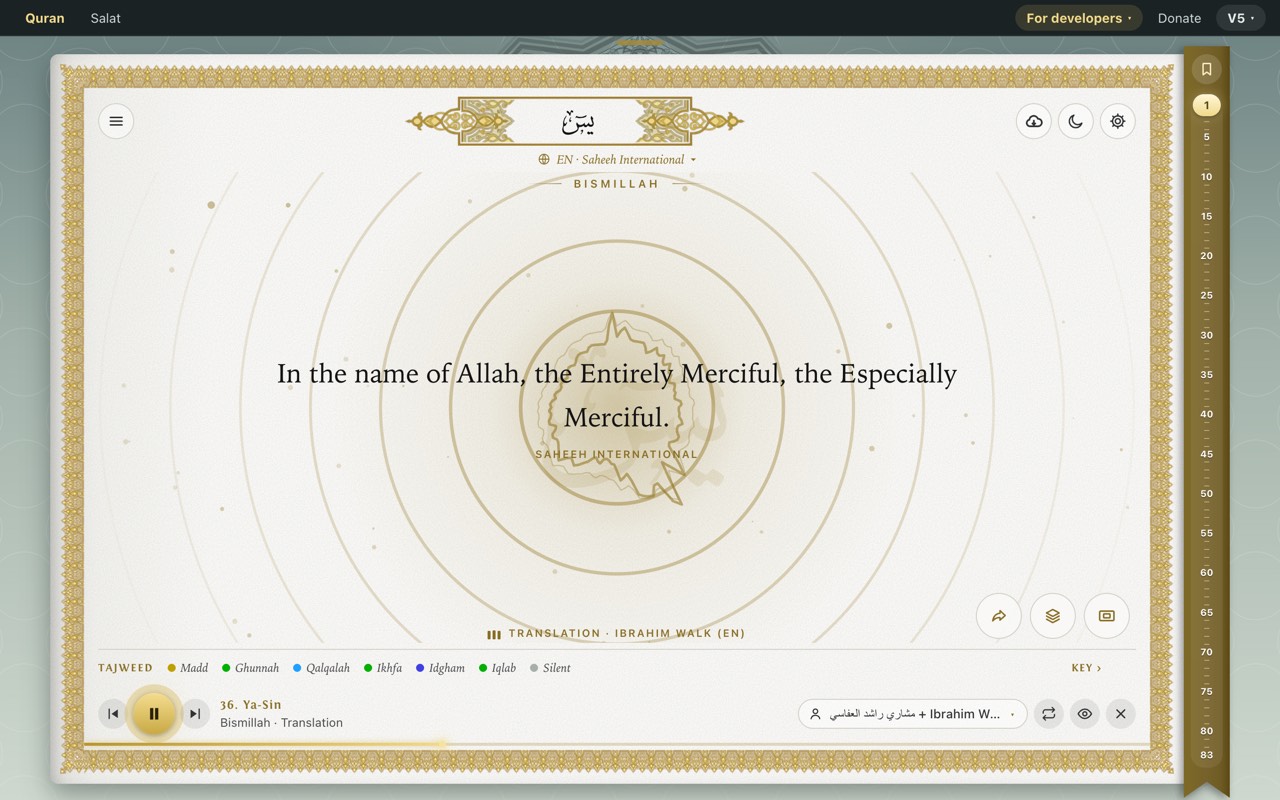
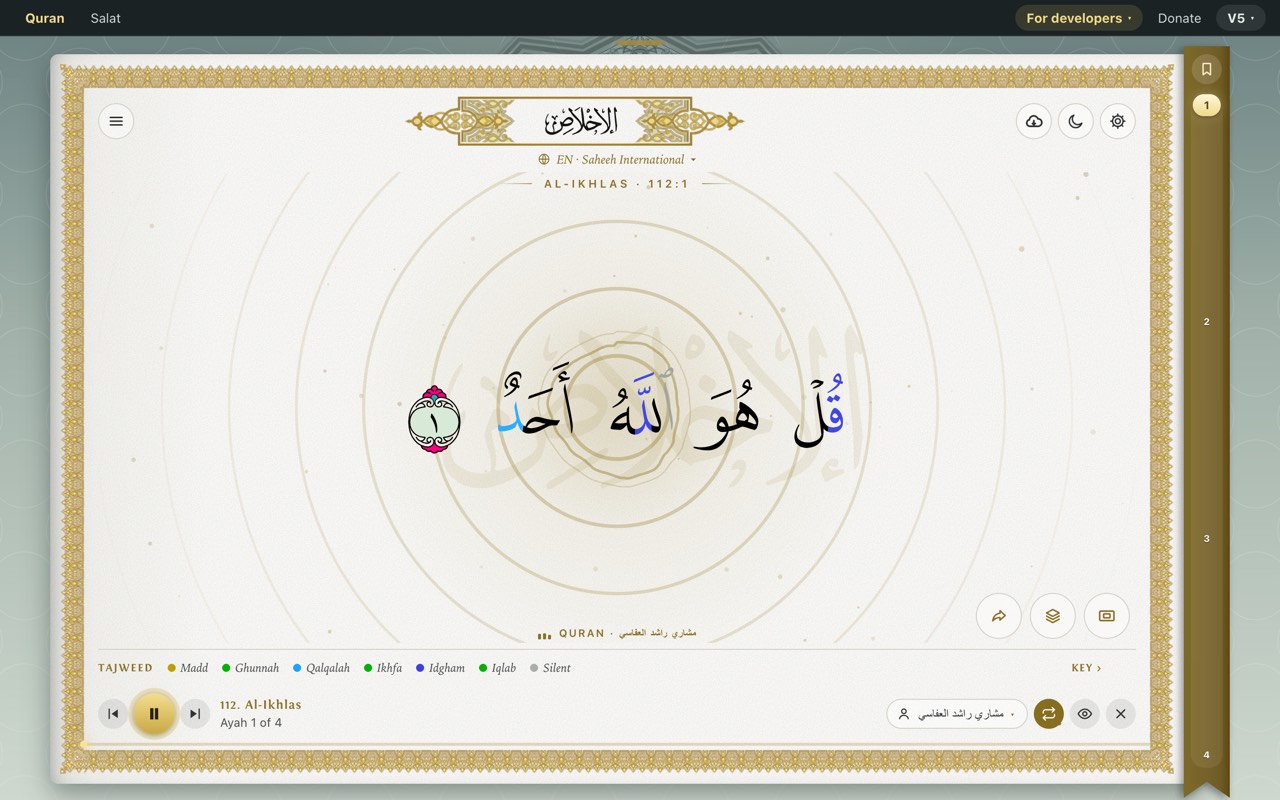
Global Quran lets you read the whole Quran in your browser, free, with no account and no adverts. The Arabic is shown in the style of the printed Madani mushaf with the tajweed colours, and the translation of your choice sits next to it. This guide shows the ways to read and how to set the page up the way you like.
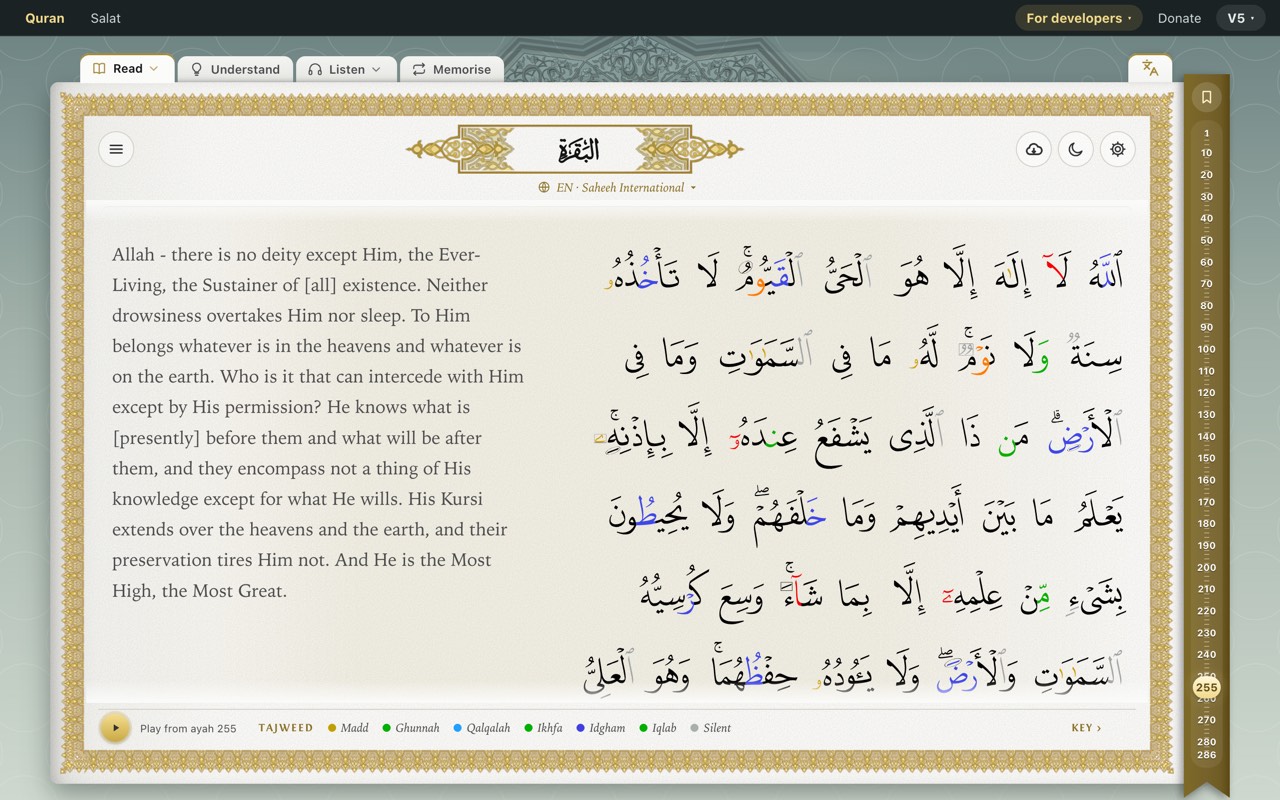
Open the Quran
- Go to globalquran.com. It opens at Al-Fatihah, or where you stopped last time.
- Choose a surah from the menu button (top left), or press G and type a surah name or number.
- To go straight to a verse, type its address: globalquran.com/2:255 opens Ayat al-Kursi, globalquran.com/36:1 opens Surah Ya-Sin. The gold ribbon on the right shows where you are in the surah; tap a number on it to jump there.
Four ways to read: the tabs on the book
Four tabs sit on top of the page. Each one sets up the page for what you want to do, and you can change any setting afterwards.
- Read has two choices. Read & understand (the default) shows the Arabic one verse at a time with the translation under or beside it. Read shows only the Arabic, flowing like a printed mushaf page.
- Understand shows the translation as running text, for reading the meaning in your own language.
- Listen plays a recitation and shows each verse as it is recited. See how to listen to the Quran online.
- Memorise repeats each verse three times. See how to memorise the Quran with Global Quran.
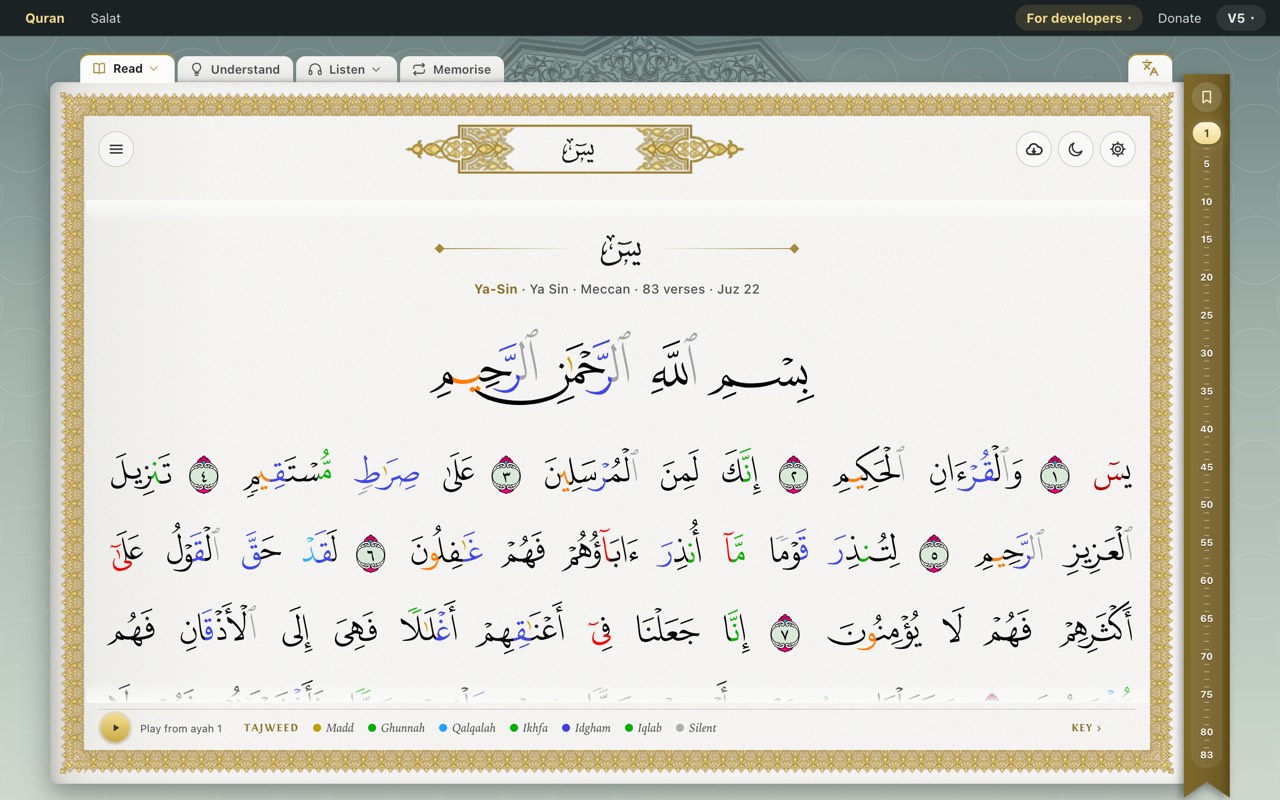
Choose a translation
Tap the translation name under the surah title (for example "EN · Saheeh International"). The list holds 96 translations in 41 languages, among them English (Saheeh International, Pickthall, Yusuf Ali, Muhammad Asad, Hilali and Khan and others), Urdu (Jalandhry, Junagarhi, Maududi and others), Farsi, Turkish, Russian, Indonesian, French, German, Bengali, Hindi and Chinese. Type in the search box to find a language or translator.
The site itself speaks your language too: its menus are in more than 25 languages, and picking a language also picks a translation and a translation voice in it.
Reading aids
- Transliteration: the Arabic written in Latin letters, under each verse. It is on at first; turn it off in the options (the gear button).
- Word by word: turn it on in Settings (the menu button), then tap or hover over any Arabic word to see its meaning and transliteration.
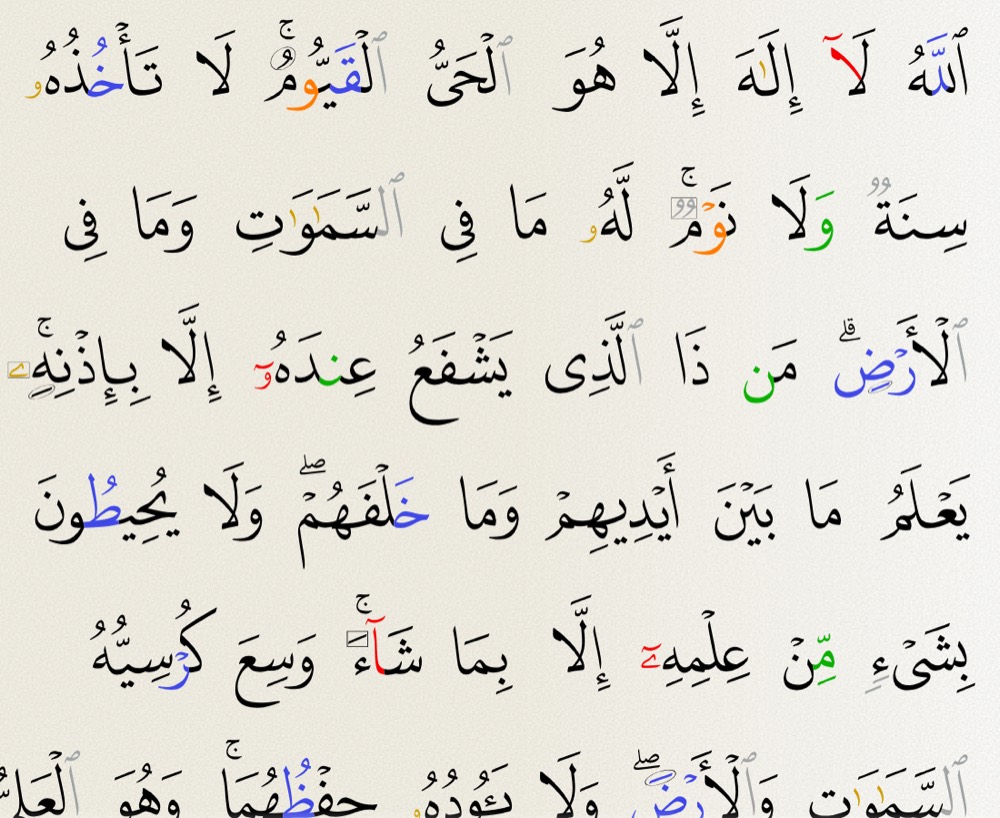
- Tajweed colours: on at first, with a key at the bottom of the page. Press T to turn them off. Read more in the Quran with tajweed colours.
- Text size: the A− and A+ buttons in the options, or - and +.
- Arabic font: Mushaf (the Madani page font), Amiri Quran, KFC Naskh or Me Quran, in Settings.
- Night mode: the moon button, or D. It is easier on the eyes in the dark.
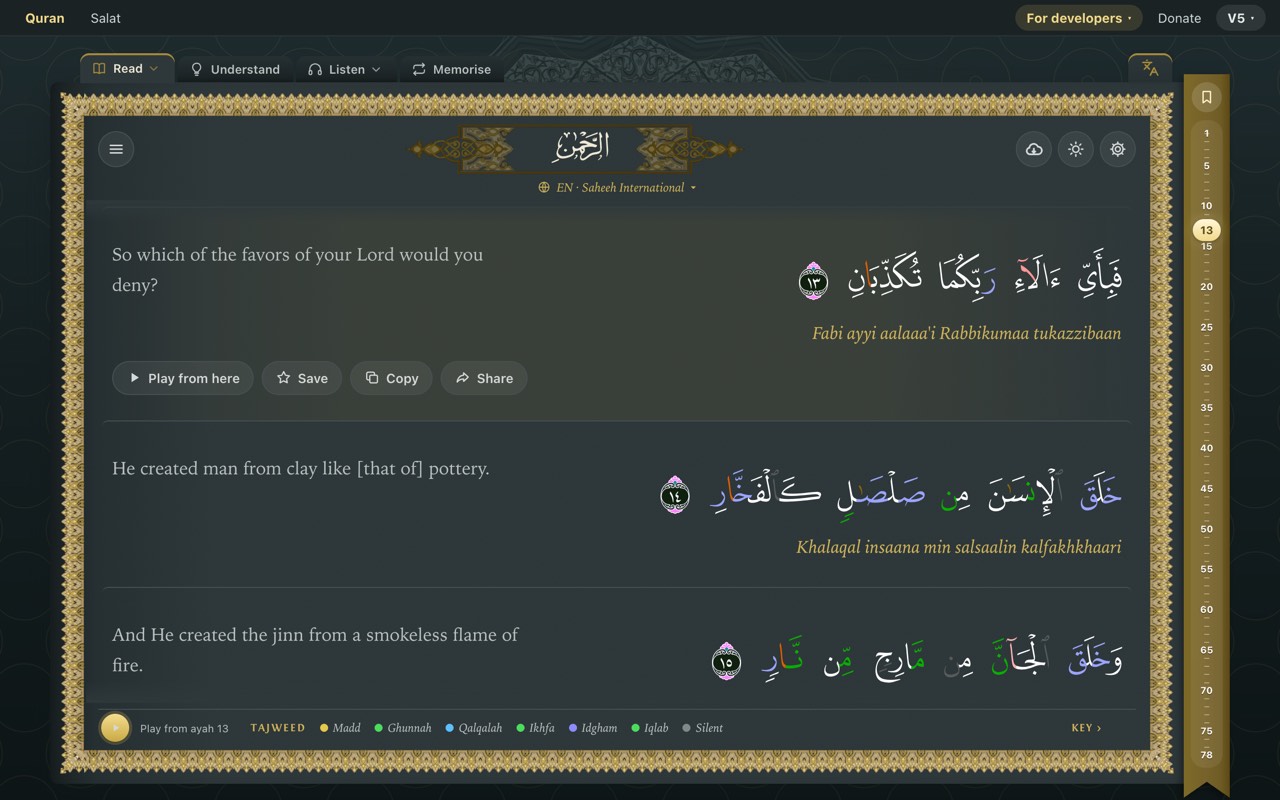
Save, copy and share a verse
Tap a verse to choose it. Its buttons appear: Play from here, Save (it goes into your saved verses, behind the bookmark button at the top of the ribbon), Copy (the verse as real text, ready to paste) and Share. A shared link opens the same verse with the same translation, and shows a preview card in WhatsApp, Telegram and other apps.
On your phone
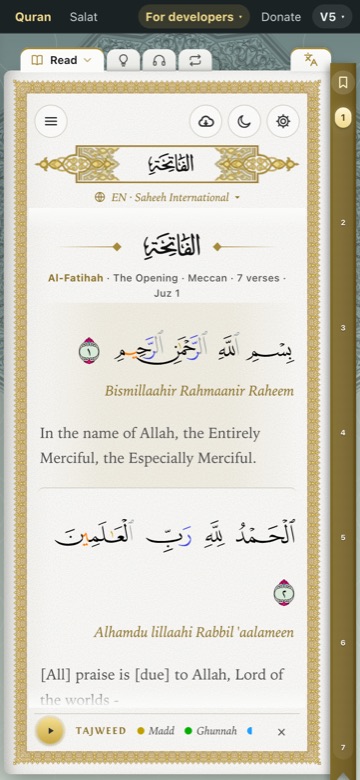
The same site works on any phone or tablet browser. If you prefer an app, Global Quran is free on the App Store (iPhone, iPad and Mac) and on Google Play (Android). The apps work the same way and can keep surahs for reading and listening without internet.
Keep your place on every device
Without an account, your place, saved verses and settings stay on the device you use. If you sign in (optional, with Google, Apple or email), they follow you: open Global Quran on another phone or computer and it shows where you stopped.
Keyboard shortcuts
On a computer, press ? on the page for the full list. The ones used most:
- ← → previous and next verse; with Shift, previous and next surah
- G go to a surah · Space play or pause · R repeat
- 1 verse by verse · 2 reading view · 3 Listen
- B save the verse · C copy it · D day or night · T tajweed
Open the Quran now, or read the next guide: listen to the Quran online.