Developers ·
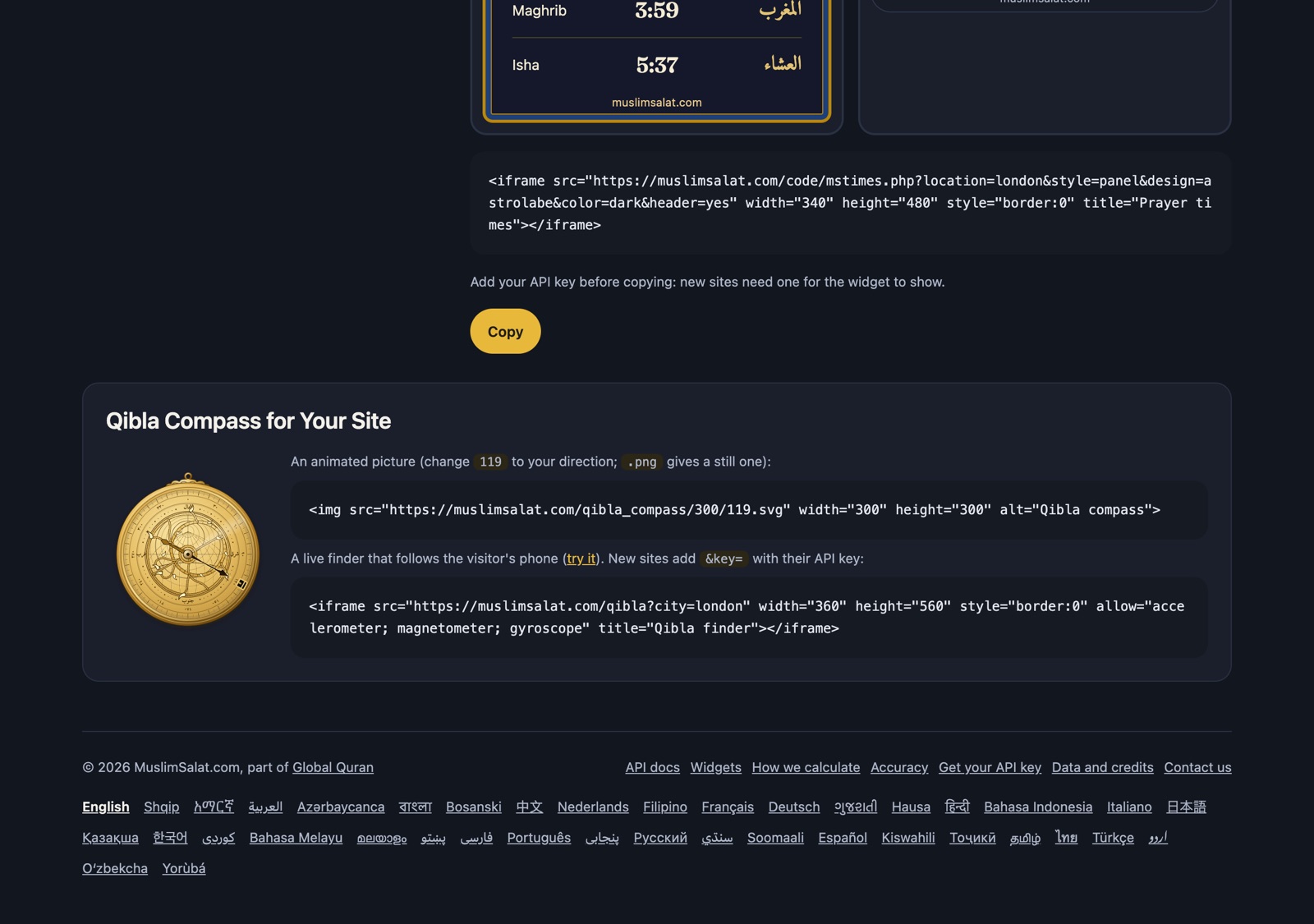
A Qibla compass for your website
Show your visitors the way to the Qibla. MuslimSalat offers two compasses you can put on any page: an animated picture pointing to Makkah from your city, and a live Qibla finder that turns with the visitor's phone.
1. An animated compass picture
Find your city's direction on the Qibla page (London is 119° clockwise from north), then put that number in the address:
<img src="https://muslimsalat.com/qibla_compass/300/119.svg" width="300" height="300" alt="Qibla compass">The .svg is an animated brass astrolabe. Use .png for a still picture, which also comes in the styles classic, astrolabe, enamel and silver (add ?style=enamel). The 300 is the size in pixels.
2. A live Qibla finder
A small app inside your page: on a phone, the compass turns as the visitor turns and shows them the way to the Qibla. It corrects the phone's magnetic compass with the World Magnetic Model, so it points to true north and not magnetic north.
<iframe src="https://muslimsalat.com/qibla?city=london&key=YOUR_KEY" width="360" height="560" style="border:0"
        allow="accelerometer; magnetometer; gyroscope" title="Qibla finder"></iframe>
Change london to your city. The allow part lets the frame use the phone's motion sensors; without it the compass cannot turn. New sites add &key= with their free API key from docs.globalquran.com.
For your visitors
Anyone can also open the Qibla finder directly at muslimsalat.com/qibla. See how to find the Qibla direction.
Pair it with the prayer times widget, or use the prayer times API, whose answers include each city's qibla_direction.